
Stories worth wandering
Trails RG Studio
Your photos.
Your workflow.
Cull, edit, prepare, and share your photographs — Library, Editor, Panorama, and Collage on your device.
Free · Beta · Android + macOS1.15.0-beta · Build 97
One workflow.
Jump in where you need to — from the Home hub.
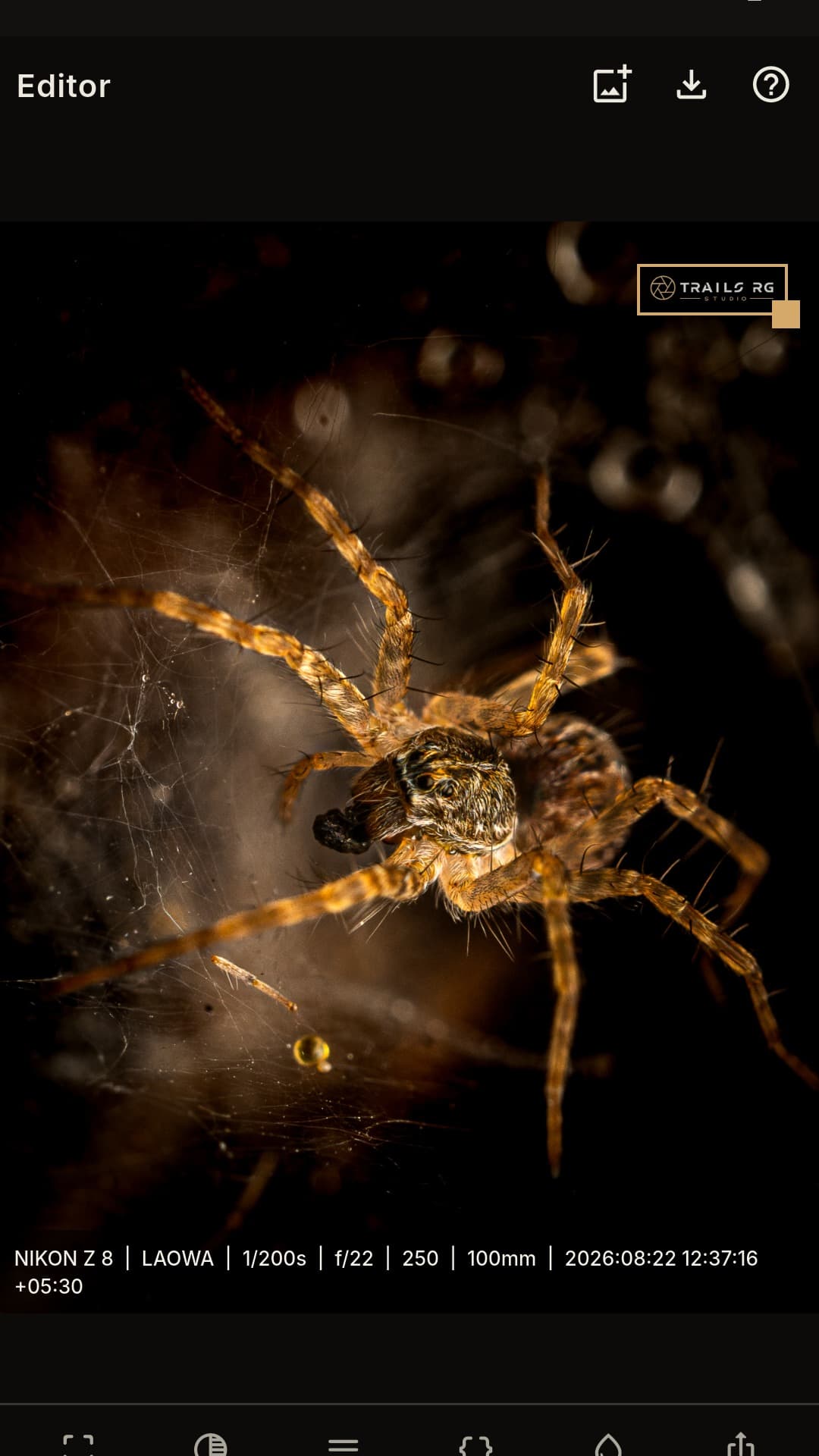
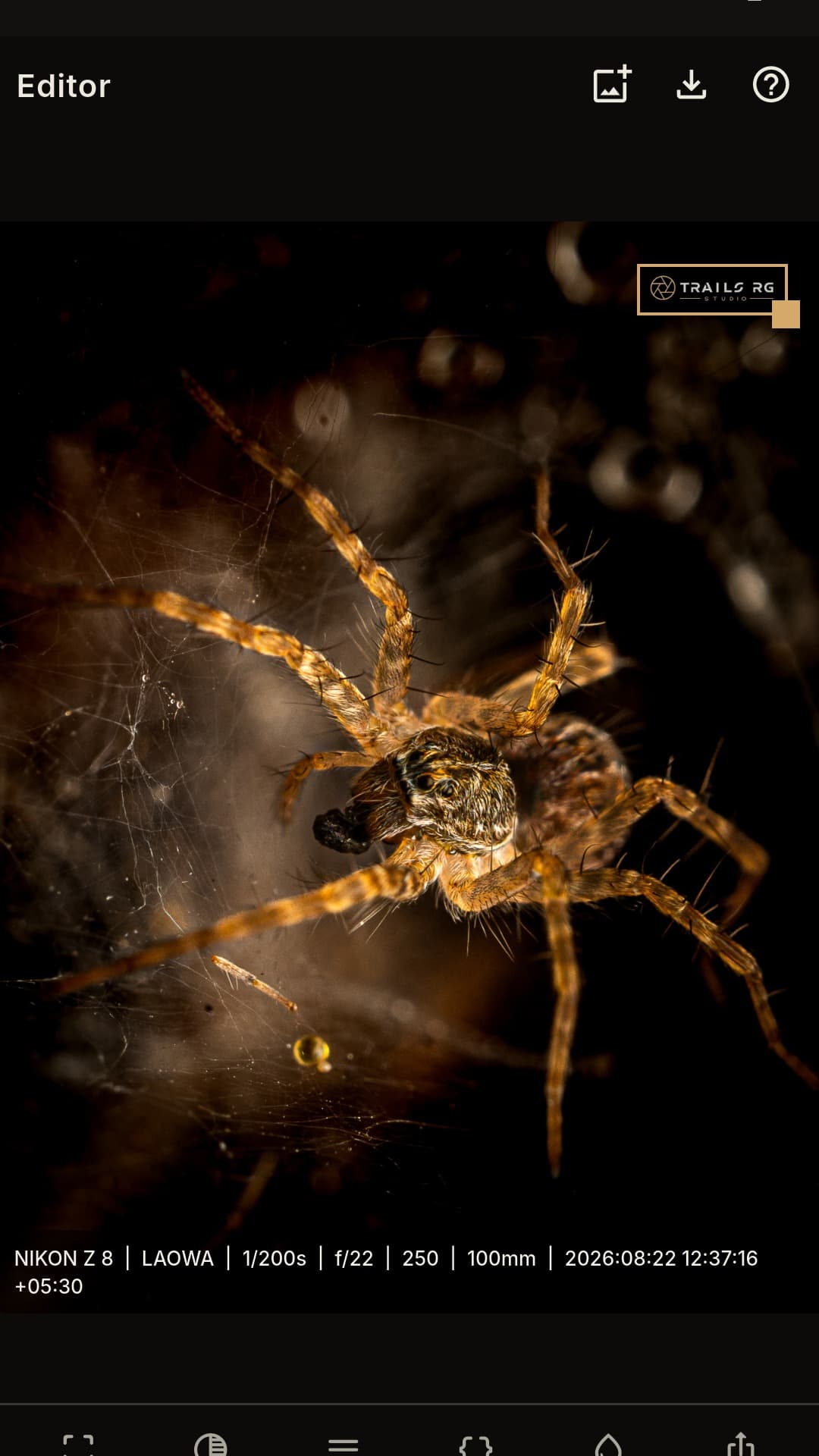
Editor
Prepare a photograph for sharing
Crop, adjust, caption, and watermark — then export a copy. Originals stay where they are.
- CropFreeform frame, or lock social ratios.
- AdjustTone and colour for the photo in front of you.
- CaptionsStamp EXIF onto a copy — originals stay untouched.
- WatermarksAdd your logo before you share.
- ExportSave a new file. Your original stays intact.
Panorama
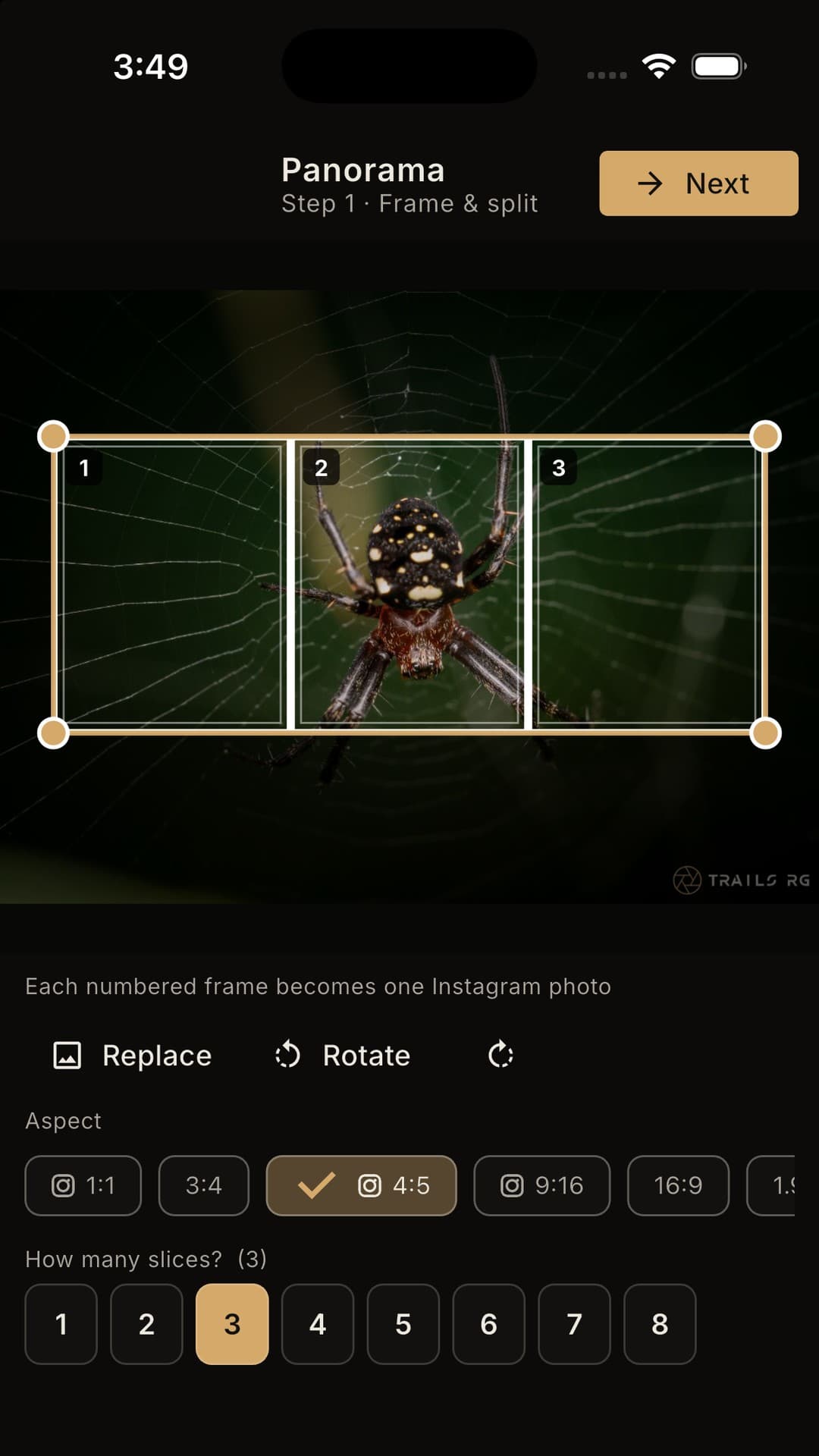
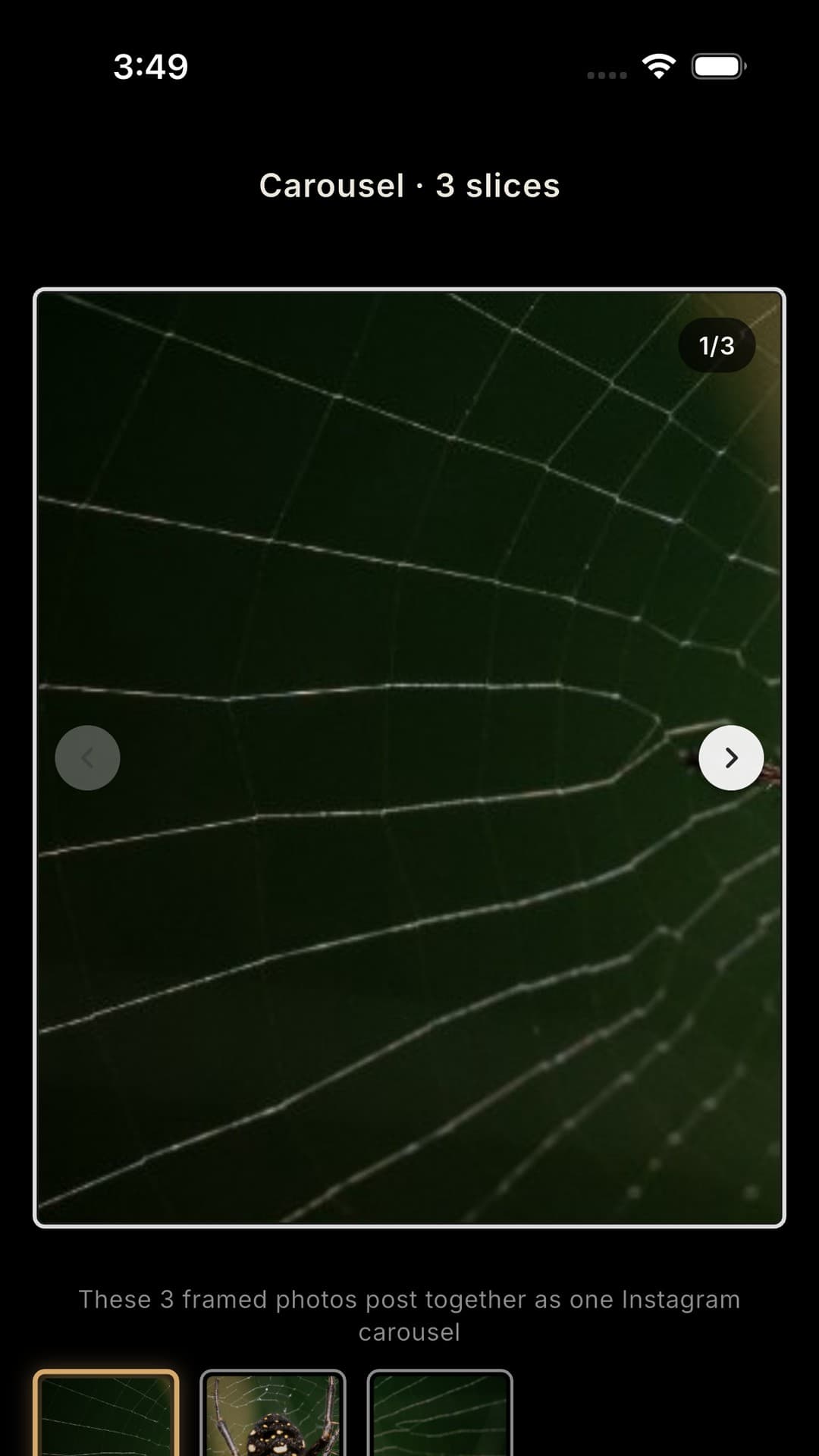
Wide photos, ready for social
Frame a panoramic photograph and split it into carousel slices — or export a panoramic reel that pans across the frame.
1–8carousel slices
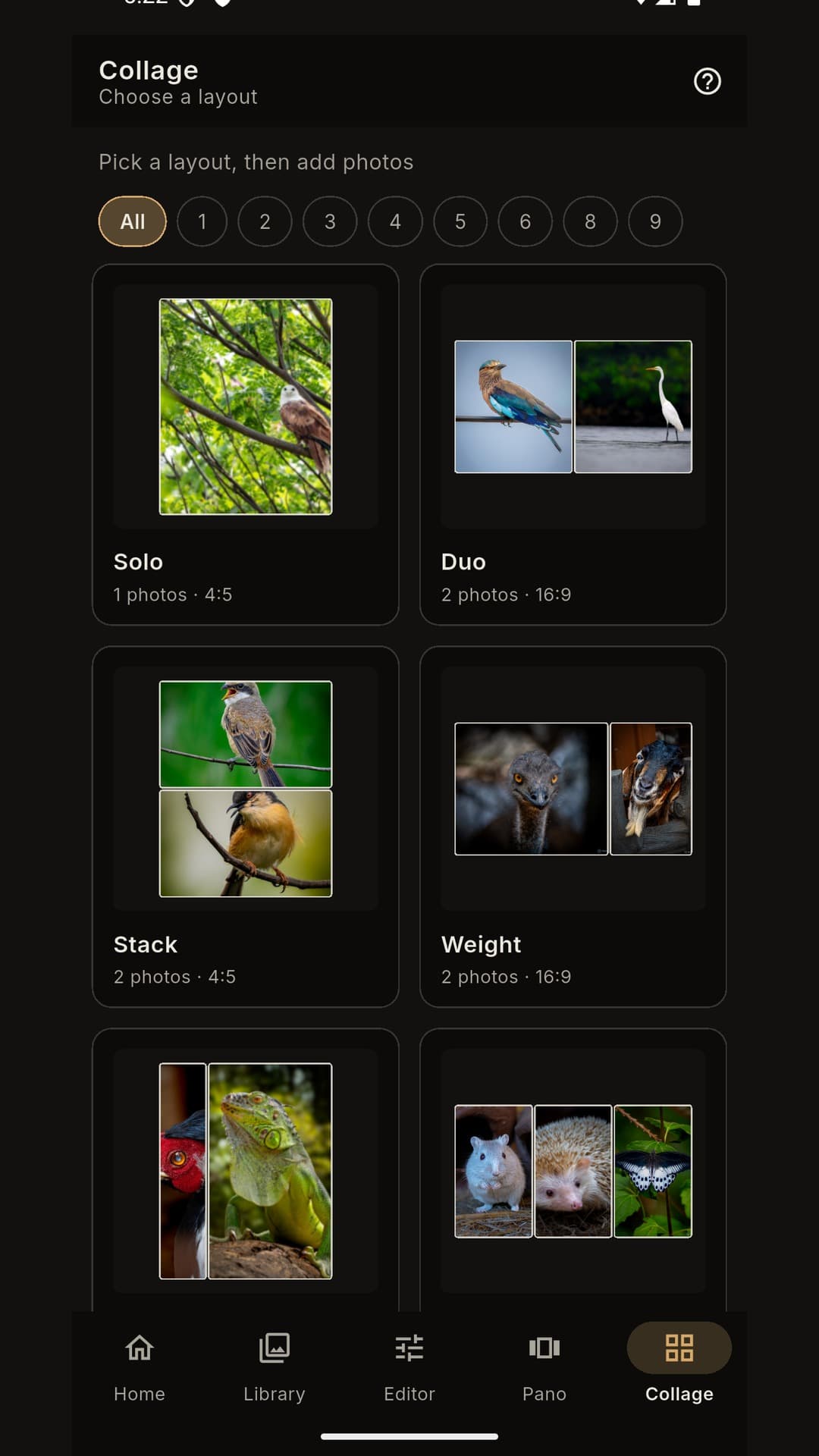
Collage
Several photos, one frame
Choose a layout — including soft rounded and circular frames — place your photographs, pan and zoom each cell, then export a single image ready to share.
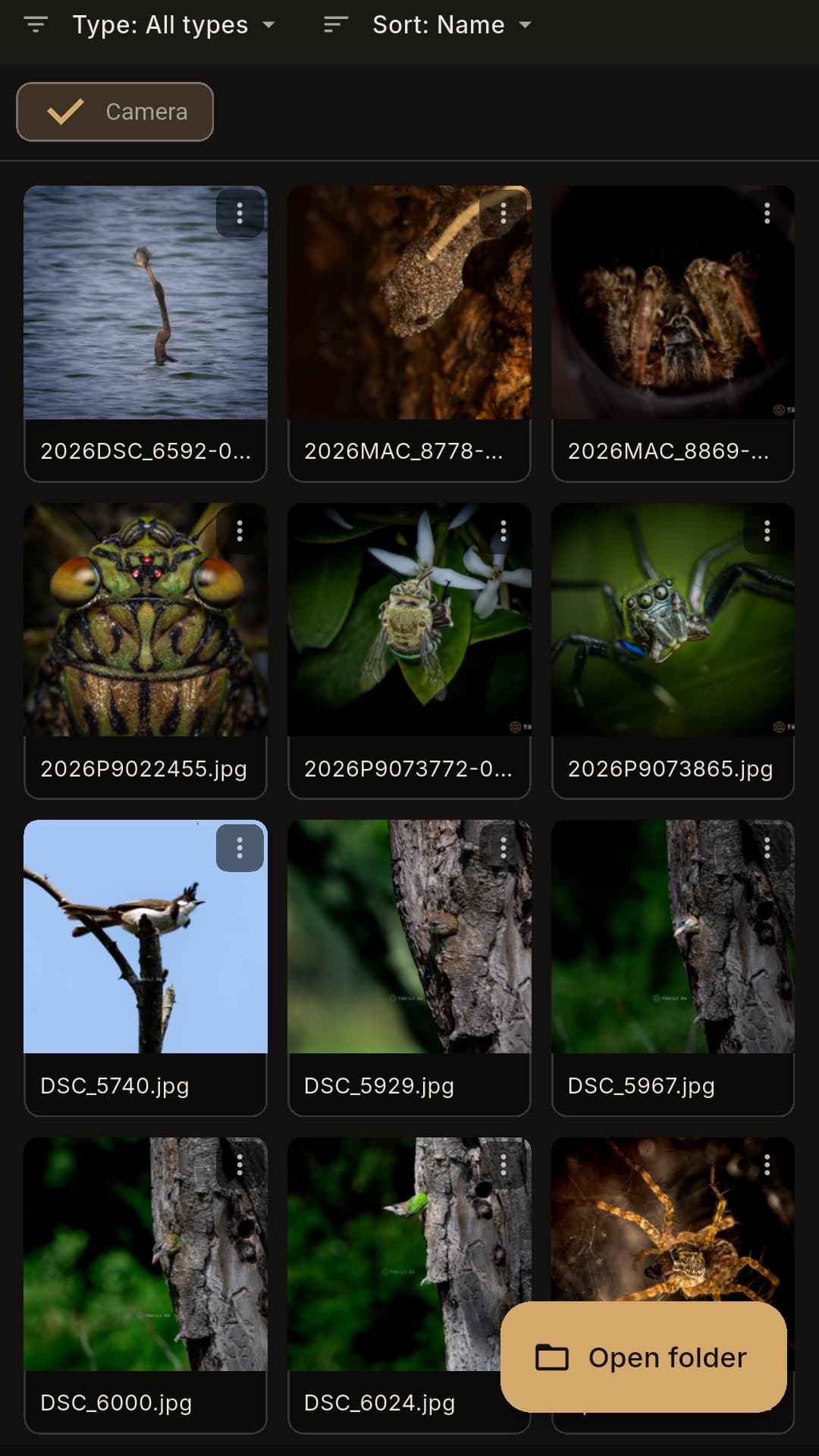
Library
Cull the frames you keep
Open a shoot folder, preview JPEG and supported RAW files, and send a photo into the Editor. A cull keeps the Mac or phone awake until it finishes or you stop it.
- CullGroups a burst into scenes and keeps the sharp frames.
- ProgressA ring and a bar show how far it has gone. Stop sits with that progress.
- StarsShow can list 1, 2, 3, 4, or 5 stars on its own.
- SettingsFast or Thorough, the processor, memory, and the accept cutoff.
Local by design
Your photographs stay yours.
No cloud account required. No subscription. Cull and Subject run on your device, and a photograph is not sent to a cloud AI. Built by photographers at Trails RG.
Download Studio
Free for everyone. Choose your platform.
- AndroidGoogle PlayGet it on Google Play
- macOSApple Silicon / Intel · BetaDownload for macOS
- WindowsDesktop build plannedComing soon
What's new
1.15.0-beta · Build 97 · 25 October 2026
Compare two or three photos
- Select two or three photos and choose Compare to see them side by side
- They open in the order you selected them, with the file name and stars under each one